Want to sell your MacBook for cash in the United States without dealing with marketplaces, strangers, or lowball offers? iGadgets Buy lets you get a fast online quote for any MacBook model, working, used, old, or even broken, then ship it easily and get paid securely after a quick inspection, with clear pricing and a simple, data-safe process.
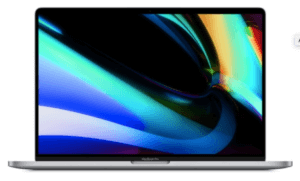
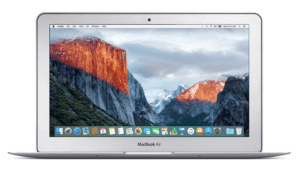
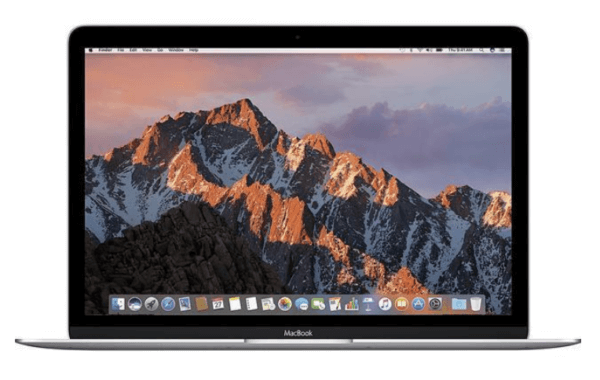
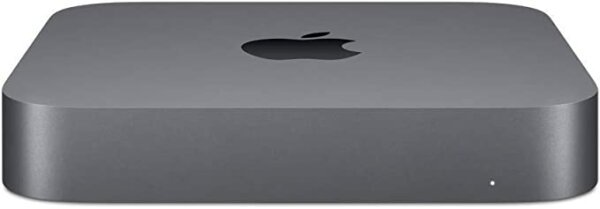
Choose Your MacBook Series
There are lots of places to sell your MacBook; Apple Trade In, third-party buyback sites, kiosks, marketplaces, and local shops. Guides agree that used MacBooks keep good value but prices usually slide over time, so selling sooner generally means more money.
iGadgets Buy is built to make that sale simple, transparent, and safe.
If you’ve been thinking, “I want to sell my MacBook but I don’t know where to start,” this page walks you through everything.
Most reputable buyback services follow a simple flow: get a quote, ship the device, then get paid after inspection.
We’ve designed our process to be just as straightforward.
Share a few quick details so we can value your Mac accurately:
Buyback offers across the industry are based on these same core factors: model, age, storage, condition, and current demand.
You’ll then see a clear, upfront estimate for your Mac.
Pro Tip: Be honest when you describe your Mac’s condition. Accurate details up front help avoid price changes after inspection and speed up your payout.
Once you accept your quote, you’ll get easy step-by-step shipping instructions (for example, using a prepaid label or kit, depending on current options).
You’ll:
Leading trade-in services all emphasize trackable, properly packed shipping for safety and convenience, we follow the same principle.
When your Mac arrives at our facility:
This inspection step is standard in online trade-in programs and protects both you and the buyer.
Whether you need to sell used MacBook, sell second hand MacBook, or offload a broken model, we’re interested.
If it’s a MacBook sold in the US, there’s a very good chance we’ll make you an offer. Examples include:
Many buyback companies accept a wide range of Apple devices, with model and year heavily influencing value.
You can sell your MacBooks in almost any condition:
Across trade-in sites, broken or non-working laptops generally still have value, but offers are lower than for fully working devices.
One of the top questions people search is “how much is my MacBook worth?”
While exact numbers vary, most serious buyers look at the same core data points:
Why It Matters: Understanding how offers are calculated helps you compare options and avoid “too good to be true” or suspiciously low quotes when deciding where to sell MacBook online.
You’re always free to compare our estimate with other places like Apple Trade In, kiosks, or marketplaces so you feel confident in your choice.
Security and privacy matter. Apple and independent Mac guides agree on a few key steps before you sell your MacBook: back up, sign out, and erase your data.
Here’s a simple checklist:
Pro Tip: A properly wiped Mac with no accounts attached reduces delays during inspection and protects you if the laptop is ever resold again.
If you follow best practices, yes.
Selling guides stress three basics: wipe your data, choose a reputable buyer, and use trackable shipping or trusted handover points.
With iGadgets Buy, you avoid:
Instead, you get:
You can always review our current terms, privacy policy, and payment options on igadgetsbuy.com before you decide to sell.
iGadgets Buy is a strong fit if:
Based on current resale trends, many owners sell their MacBooks as soon as they upgrade so they don’t miss the window where the device still commands strong value.
You generally have four main options:
If you just want a straightforward, no-hassle way to sell MacBook for cash online, iGadgets Buy is designed exactly for that.
Yes. Many trade-in programs buy broken, faulty, or non-working MacBooks, just at a reduced price.
You can usually sell used MacBook with issues like:
Just describe the issues honestly during the quote so you get a realistic offer.
Your payout depends on:
Because MacBooks typically hold value better than many other laptops, used devices can still fetch strong offers when sold through the right channel.
The fastest way to know is to request a quote, there’s no obligation to accept.
Most established buyback services aim to pay shortly after they receive and inspect your device.
At iGadgets Buy, your payment is processed promptly after inspection, using your chosen payment method. For current payout timelines and options, check the latest details on igadgetsbuy.com.
You can sell your MacBook without the box or charger, and many sellers do. However, including the original power adapter or other accessories can sometimes improve the overall attractiveness and perceived value of your device to a buyer.
If you still have them and don’t need them, it can be worth sending them along.
If you’re holding onto a much older machine, you can still often sell old MacBook for parts value or have it responsibly recycled through a buyback or recycling program, which helps keep electronics out of landfills.
We encourage you to request a quote, if a Mac is too old to have meaningful resale value, we can still point you toward a responsible next step.
If you’re ready to sell MacBook for cash, whether it’s a newer M-series MacBook Pro, a well-used Intel Air, a second-hand Mac that’s been through a lot, or even a broken laptop, iGadgets Buy is here to make it simple.